Advertisements
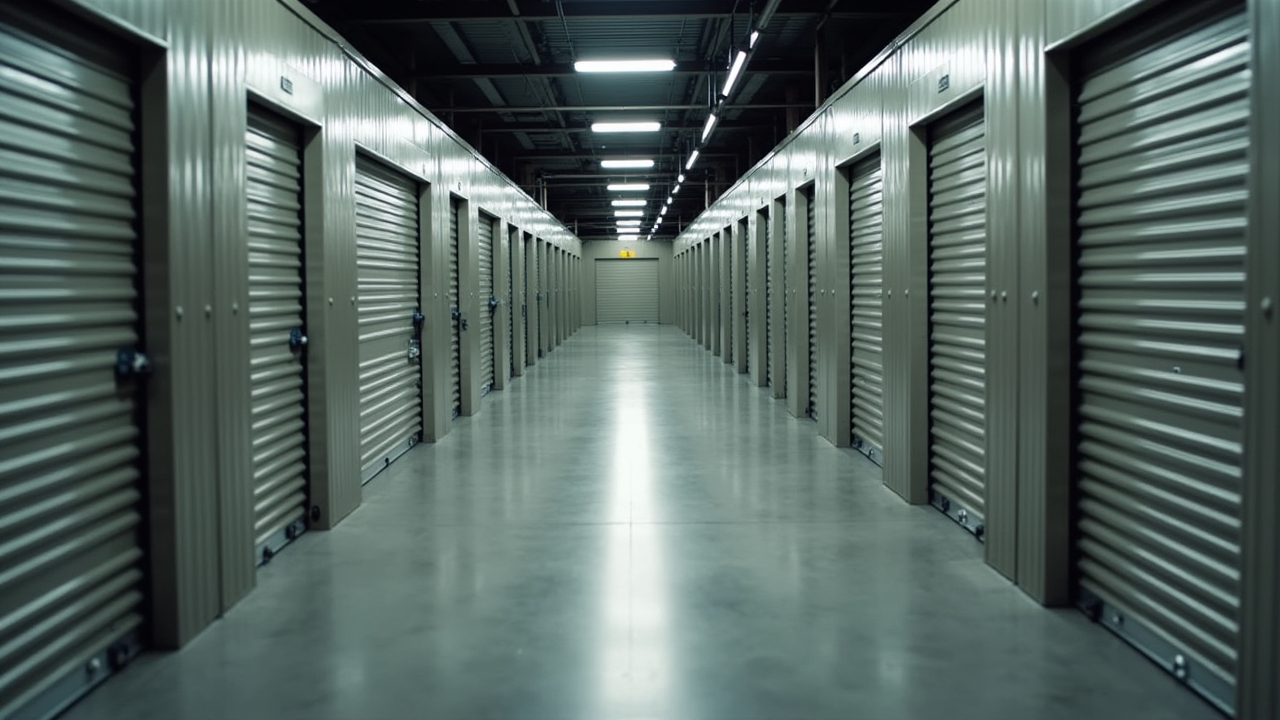
Did you know that nearly 50,000 self storage facilities exist in the U.S. alone, and a huge chunk of them are run by small operators just like you and me? That stat blew my mind when I first stumbled across it a few years back. I was managing a tiny 80-unit facility with a clipboard, a spreadsheet, and honestly, a whole lot of prayer!
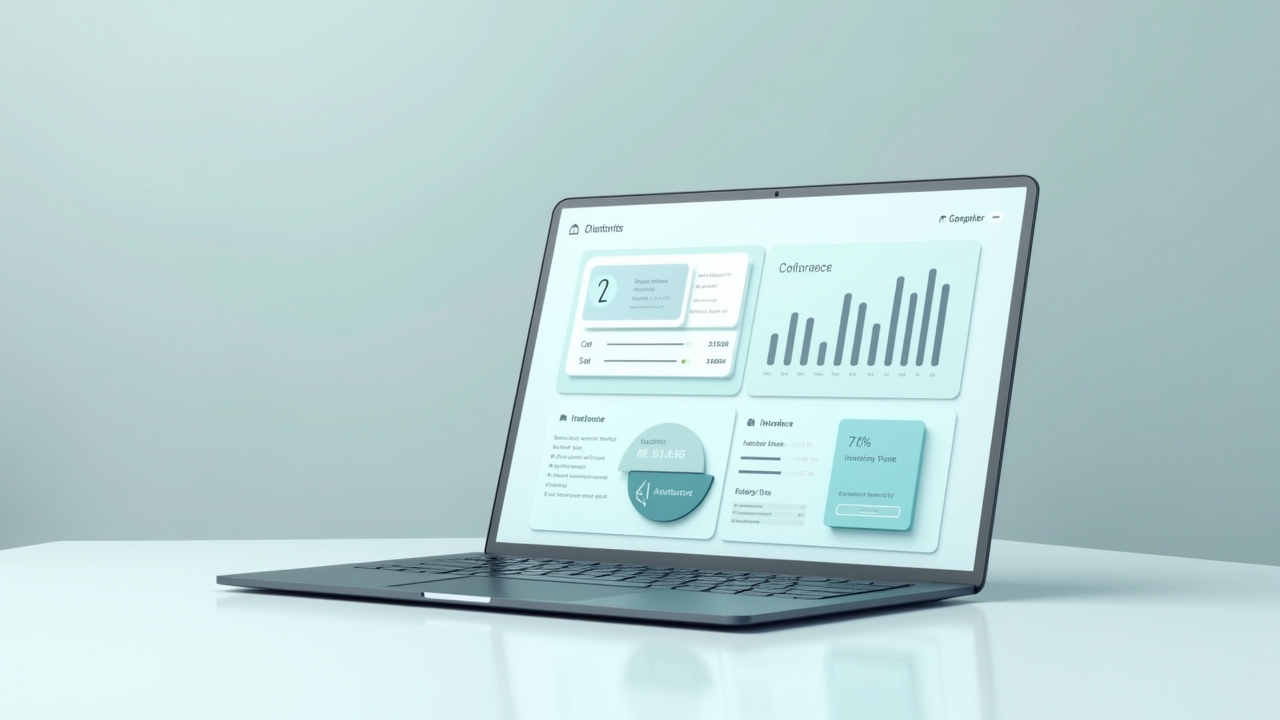
Back then, I didn’t even know self storage software for small operators was a thing. I thought that stuff was only for the big corporate chains with hundreds of locations. Boy, was I wrong. Finding the right software literally saved my sanity, and I want to walk you through what I learned so you don’t make the same dumb mistakes I did.
Why I Almost Gave Up Without the Right Software
So here’s the thing, I started out doing everything manually. Rent collection, gate codes, unit tracking, all of it lived in my head or on sticky notes. It was a mess, honestly. One time I double-rented a unit because I forgot to update my spreadsheet, and let me tell you, that phone call was not fun.
That was my wake up call. I started researching self storage management software options that wouldn’t break the bank for a small operation like mine. Turns out there’s a whole world of tools built specifically for folks running smaller facilities, not just the big guys with 500 units and a corporate office.
What Actually Matters When You’re Small
Here’s what I’ve learned after trying like four different platforms over the years. You don’t need all the bells and whistles. You need stuff that actually works for your size operation.
- Automated billing and rent reminders (this alone cut my late payments in half, no joke)
- Online rental capability so people can sign up at 2am without you answering the phone
- Gate access integration if you’ve got electronic locks or keypads
- Simple reporting that doesn’t require a finance degree to understand
- Mobile access so you can check things from your phone while you’re at your kid’s soccer game
I remember switching to a platform that had online rentals built in, and within the first month I got three new tenants who signed up in the middle of the night. I would’ve lost those customers before because who wants to wait for me to call back the next morning?
The Software I Actually Recommend Trying
Now, I’m not gonna pretend I’ve used every single platform out there, but I’ve poked around enough to have opinions. Options like SiteLink, Easy Storage Solutions, and a few others are built with smaller operators in mind, price-wise and feature-wise.
Advertisements
What I found is a lot of these tools offer free trials, so please, please test drive before committing. I made the mistake once of signing an annual contract without trying it first, and the interface was so clunky I wanted to throw my laptop out the window. Lesson learned the hard way.
Cost Considerations for Small Operators
Money talks, right? Most software built for small operators runs anywhere from $50 to $300 a month depending on how many units you have and what features you need. That might sound like a lot at first, but think about how much time you’re spending doing things manually.
I calculated once that I was spending about 15 hours a week on admin stuff before I got proper software. After switching, that dropped to maybe 4 hours. That’s 11 hours a week I got back to actually grow my business or, you know, sleep.
Things I Wish I Knew Before Choosing Software
Alright, tangent time. A buddy of mine who also runs a small facility told me something that stuck with me: “Don’t choose software based on features you might use someday, choose it based on what you need right now.” That’s solid advice honestly.
- Ask about customer support response times before you sign anything
- Check if the software integrates with your existing payment processor
- See if there’s a mobile app, because trust me you’ll want one
- Look into data migration help, switching platforms can be a nightmare otherwise
One frustration I still deal with is when software companies nickel and dime you for every little add-on feature. It’s annoying, and it happens more than you’d think in this industry. Do your homework and read reviews on places like Capterra before making a final call.
Making the Switch Without Losing Your Mind
When I finally made my switch to better software, it wasn’t instant magic. There was a learning curve, and I definitely had a few weeks where I felt dumber than my tenants trying to figure out the new system. But stick with it, because the payoff is real.
Set aside a week or two to really learn the ins and outs. Train yourself on the reporting features especially, because that’s where you’ll catch problems before they become disasters. I can’t stress that enough, seriously.
Self storage software isn’t one-size-fits-all, and what worked wonders for my 80-unit facility might not be perfect for your 40-unit operation or your buddy’s 150-unit place. Take the time to customize your setup, test a few options, and don’t be afraid to switch if something isn’t clicking for your specific needs.
Always keep tenant data security in mind too, since you’re handling sensitive payment info and personal details, so make sure whatever platform you pick takes that seriously. Running a small storage facility is hard enough without adding tech headaches on top of it, so give yourself grace as you figure this out.
If you found this helpful, swing by the Propentrify blog for more real talk on running your storage business smarter, not harder. There’s a bunch of other posts over there that’ll probably save you a few headaches too!